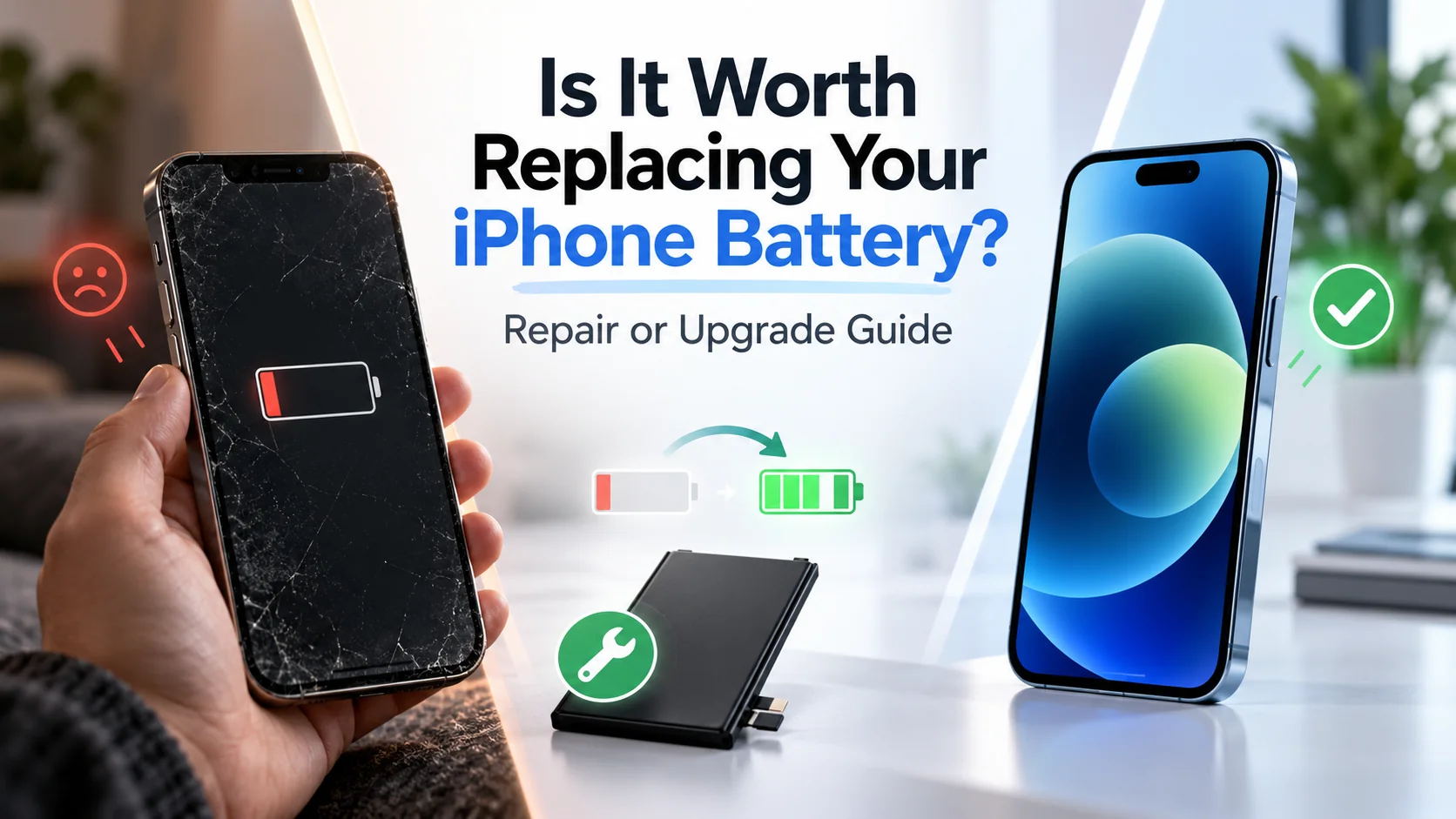
Replacing your iPhone battery is usually worth it if your phone still works well but struggles to hold a charge. A new battery can improve battery life, restore performance affected by battery wear, and extend your iPhone’s lifespan without the expense of upgrading. However, if your iPhone has multiple hardware problems or no longer meets your needs, investing in another device may make more sense. The right choice depends on your battery health, your phone’s overall condition, and how much longer you plan to use it.
If your iPhone has problems beyond its battery, our iPhone repair vs. replacement guide explains when fixing the device makes sense and when upgrading is the better option.
How Do You Know If Your iPhone Battery Needs Replacing?
Every iPhone battery wears down a little with each charge cycle. Two things tell you where yours stands: the number in your settings and how the phone behaves day to day.
How to Check Your iPhone’s Battery Health
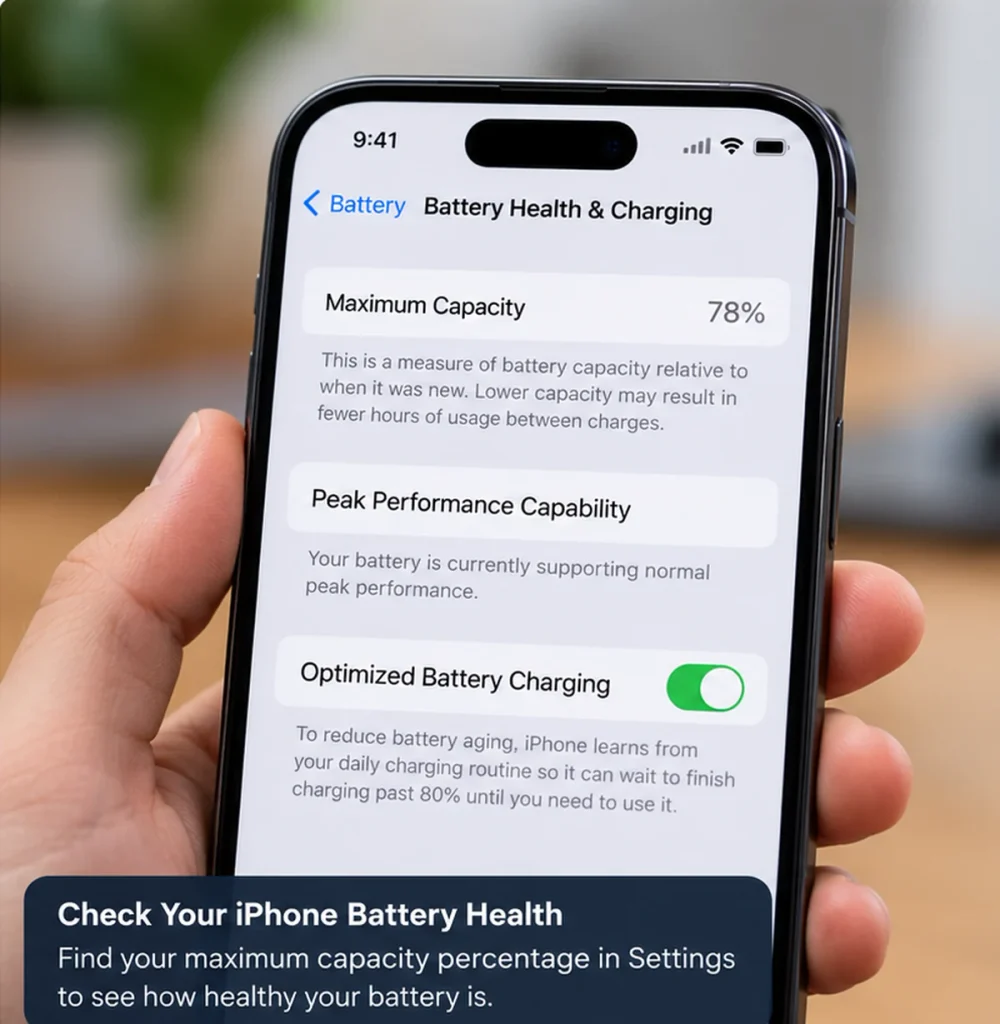
Open Settings, tap Battery, then Battery Health & Charging. The Maximum Capacity figure shows how much charge your battery can hold compared with when it was new. A reading of 100% means like-new. Once it falls below 80%, the battery is considered significantly worn, and that is the point where most technicians recommend a replacement. If iOS shows a service message on this screen, take it seriously.
Signs of a Worn-Out iPhone Battery
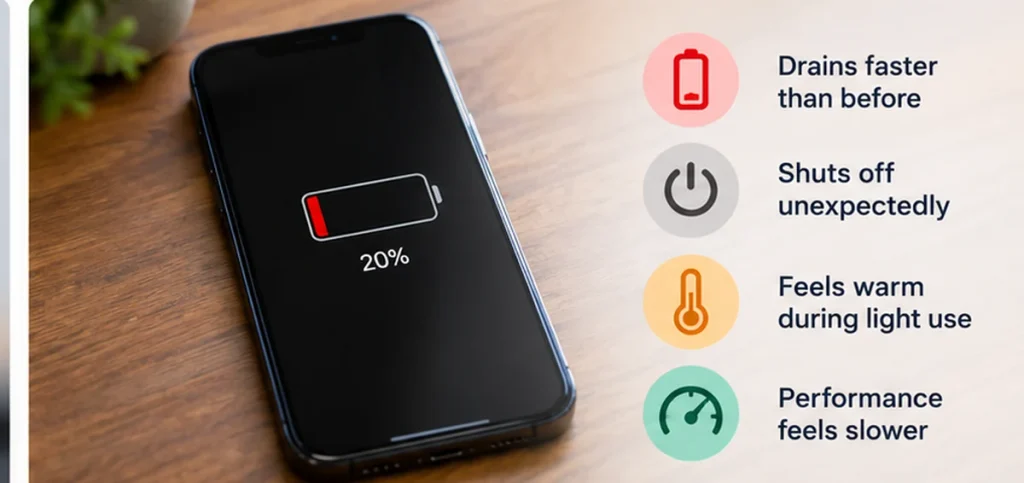
Numbers do not tell the whole story. These symptoms often show up first:
- The battery drains quickly, even when you barely use the phone
- The iPhone shuts down at 20 or 30 percent, or the percentage suddenly jumps
- It charges slowly or will not hold a charge
- The phone feels unusually hot during normal use
- The screen or back panel looks lifted, which can mean a swollen battery. Stop using the phone and get it checked right away
When Is Replacing Your iPhone Battery Worth It?
Replacement is usually worth it when the rest of your iPhone is in good shape. If your battery health is under 80%, the screen and cameras work well, storage is not constantly full, and the phone still receives current iOS updates, a new battery gives you the most value for the least money. If other problems are stacking up, the maths changes, which we cover below.
How Much Does It Cost to Replace an iPhone Battery in Canada?
Prices depend on your model, where you go, and whether your phone is still under warranty or AppleCare+.
Apple vs. Independent iPhone Battery Replacement Costs
Apple’s own pricing is the benchmark. For the newest iPhone 18 Pro, Apple Canada charges $179 before tax for battery service, up $14 from last year. Older and standard models generally cost less, and Apple’s online repair estimator lists your exact model. If you have an active AppleCare+ plan and your battery capacity drops below 80%, the replacement is free.
Independent repair shops are usually cheaper and often faster, since you can walk in without waiting for an appointment. At CA Mart, battery repairs start from $39.99 plus labour, and your final price depends on your model, so you get a clear quote before any work begins. Many common repairs, including batteries, are finished the same day, and most repairs carry a lifetime parts guarantee. Terms apply, so ask about the details for your phone.
What Improves After Replacing Your iPhone Battery?
Battery Life and Unexpected Shutdowns
The most obvious change is endurance. A phone that struggled to reach lunch can usually get through a full day again, and your battery health resets to 100%. Random shutdowns at 20 or 30 percent stop, because the new cell can deliver power reliably.
Does Replacing an iPhone Battery Improve Performance?
Sometimes, yes. To prevent unexpected shutdowns, iOS can limit peak performance when a battery is too worn to deliver power on demand. That shows up as lag, slow app launches and choppy scrolling. A new battery removes that restriction, so the phone often feels noticeably smoother. It will not speed up an old processor, but it removes the battery-related slowdown.
Should You Replace Your iPhone Battery or Buy a New Phone?
The answer comes down to the condition of the rest of the phone and what you want from your next one.
When Battery Replacement Is the Better Choice
- Battery health is the only real problem
- The screen, cameras and buttons all work well
- Your iPhone still gets current iOS updates
- You are happy with its size, camera and speed
- You would rather keep your budget for something else
When Upgrading Your iPhone Makes More Sense
Upgrading makes more sense when battery trouble is one of several problems. That includes a cracked screen or failing camera on top of a weak battery, a phone that no longer receives iOS updates, constantly full storage, or repair bills that add up to a big share of a replacement phone. You do not have to buy brand new either. A certified pre-owned iPhone that has been tested, graded and warrantied gives you a fresher phone and a fresh battery for much less than new. You can also explore CA Mart for quality phones and reliable repair services.
What Should You Check Before Getting Your iPhone Battery Replaced?
A little preparation prevents surprises. Before you hand your phone over:
- Note your battery health number
- Check whether you are still covered by warranty or AppleCare+
- Back up your iPhone to iCloud or your computer
- Ask for a written quote that includes labour
- Ask what battery is used and what warranty comes with the repair
- Ask how long the repair will take
- Mention any other issues, because slow charging can point to a charging port problem rather than the battery
Frequently Asked Questions About iPhone Battery Replacement
Is It Worth Replacing an iPhone Battery at 85% Health?
Usually not. At 85%, your battery still holds most of its original charge, and if it lasts through your day, replacing it gains you very little. If you are seeing real symptoms like sudden shutdowns or fast drain, check for other causes first, such as a recent update or a misbehaving app. Consider a replacement when health approaches 80% or the phone stops lasting your day.
How Long Does a Replacement iPhone Battery Last?
Apple designs most older iPhone batteries to keep up to 80% of their capacity after 500 full charge cycles, and iPhone 15 models and newer after 1,000. For most people, that means two to three years of normal use. Part quality and your charging habits matter, so ask your technician which battery they use and how long it is covered.
Is It Worth Replacing the Battery on an Older iPhone?
Often yes, as long as the phone still gets current iOS updates and everything else works. A new battery is one of the cheapest ways to extend an older iPhone’s life. If the phone has stopped receiving updates or has several faults, that money may go further toward a certified pre-owned upgrade.
Will I Lose My Data During an iPhone Battery Replacement?
No. A battery replacement does not touch your photos, messages or apps, because your data lives in storage, not in the battery. Still, back up your iPhone before any repair, just to be safe.