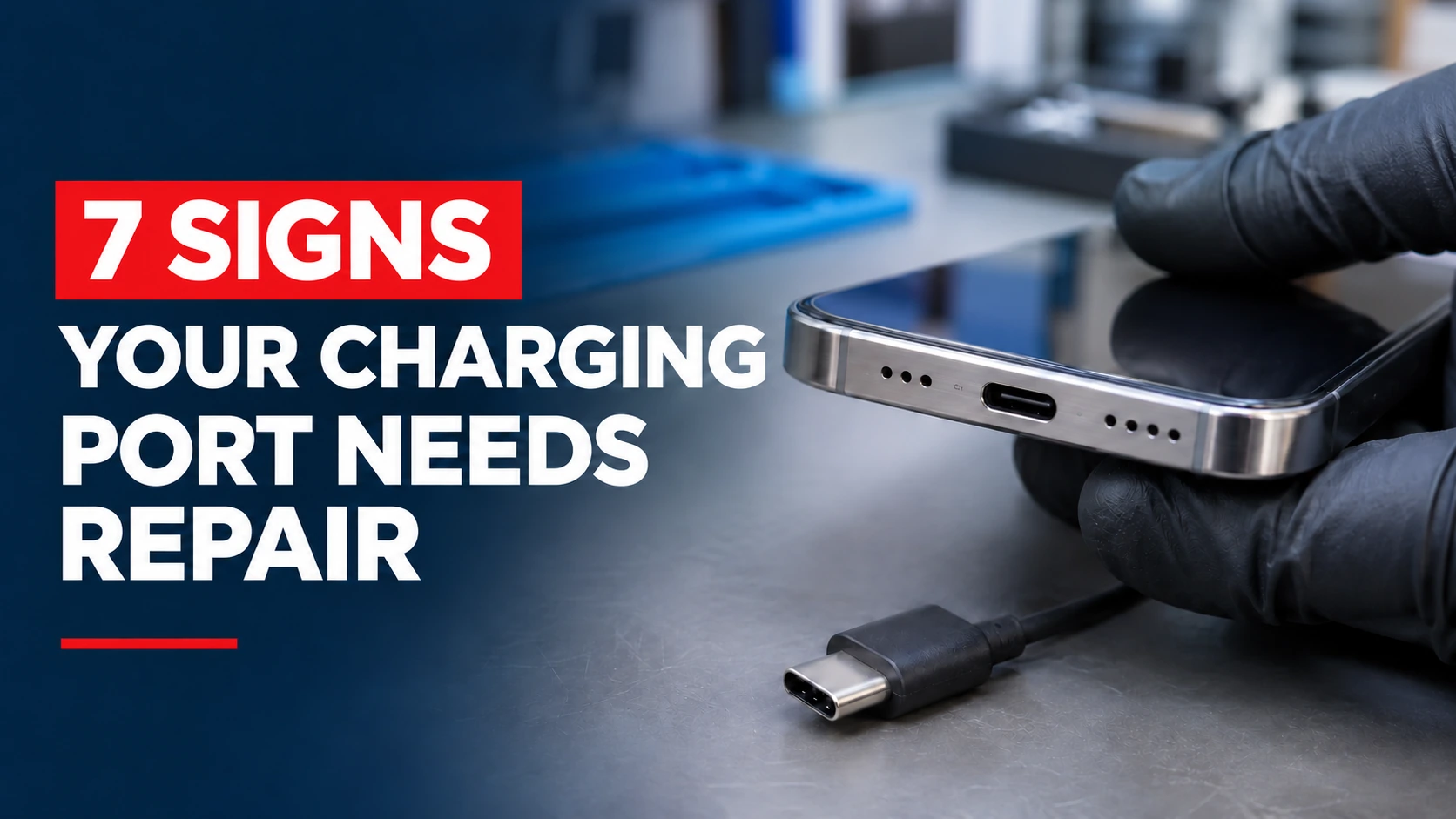
A loose cable, charging interruptions or charging only at an angle can point to a charging port problem but debris, a faulty cable or a battery issue can cause similar symptoms. A phone that will not charge properly is stressful, but the charging port is not always the culprit. Stop charging immediately if you notice a burning smell, scorch marks or unusual heat around the connector. This guide shows you the seven signs that point to a damaged charging port, how to tell it apart from a battery or charger problem, what to check first, and when it is time to stop troubleshooting and get a repair.
7 Warning Signs Your Phone Charging Port Is Damaged
One of these signs on its own can have a simple cause. Several together are a strong hint that the port itself is the problem.
1. Your Phone Only Charges at a Certain Angle
If you have to tilt the cable or hold it at an angle to make the phone charge, the connection inside the port is poor. Worn contacts or bent pins stop the plug from sitting properly, so it only makes contact in one position.
2. The Charging Cable Feels Loose or Keeps Falling Out
A good port holds the plug firmly with a small click. If the cable wobbles, slides out easily, or does not seat all the way in, the port may be worn or stretched. Compare it with another cable first, since a worn plug can feel loose too.
3. Your Phone Keeps Connecting and Disconnecting While Charging
If the charging icon flickers on and off, or the phone vibrates repeatedly as it connects and disconnects, the connection is unstable. This can wear down the battery and cause slow, unreliable charging, so it is worth acting on early.
4. Your Phone Won’t Charge Even With a Working Charger
Try a cable and adapter you know work on another device. If your phone still refuses to charge, the problem is on the phone side. It could be the port, but it could also be the battery or the software, so work through the checks later in this guide before you decide.
5. Your Phone Charges Much Slower Than Usual
Slow charging has many causes, including a weak adapter, a worn cable, background activity and an ageing battery. But if everything else checks out and charging is still slow, a poor connection in the port can be restricting power.
6. You Notice Bent Pins, Corrosion, or Damage Inside the Charging Port
Shine a torch into the port. Bent or missing contacts, green or white residue, rust-coloured marks and burn marks are all signs of damage. Corrosion is often caused by moisture or sweat, and it tends to spread, so it will not fix itself.
7. Your Phone Repeatedly Shows Charging Port or Moisture Warnings
Many phones warn you when they detect liquid or a problem in the port and may stop charging to protect themselves. If the warning keeps appearing even when the port is dry and clean, there may be damage or corrosion inside, or the sensor in the port may be faulty. Do not ignore it or force the phone to charge.
How to Tell if the Problem Is Your Charging Port, Battery, or Charger
Work from the outside in. If a different cable and adapter fix the problem, the old charger was at fault. If the phone charges on a wireless charger but not with a cable, the port is the likely problem. If it charges normally but drains fast or shuts down at a high percentage, the battery is the more likely cause. If it charges only when the cable is held at an angle, the port is nearly certainly worn. If it does not charge by any method, or behaves oddly in every situation, a battery or board fault is possible, and a technician should take a look.
When Should You Stop Troubleshooting and Get Your Charging Port Repaired?
Stop when you have tried a different cable and adapter, cleaned the port safely, restarted the phone and updated the software, and the problem is still there. Stop straight away if you see corrosion, bent pins, a loose or wobbly port, a burning smell or a hot phone, or if the phone has been in water. More poking, bending and forcing cables in can turn a simple repair into a bigger one. Back up your data while the phone still works.
What to Check Before Getting Your Phone Charging Port Repaired
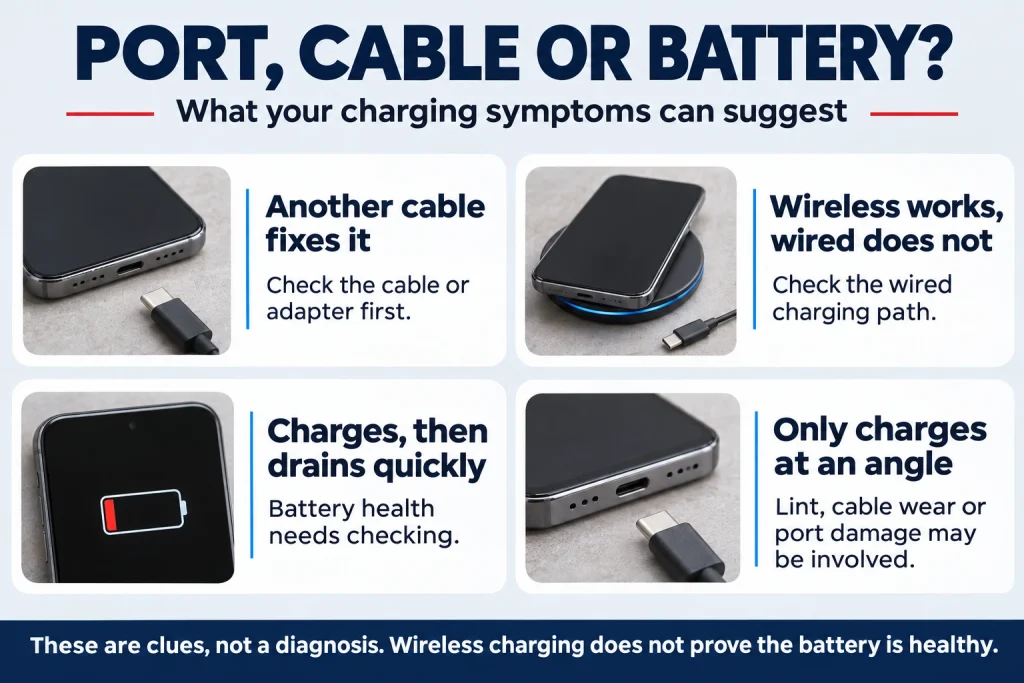
These four checks take a few minutes and often solve the problem for free.
Test a Different Charging Cable and Adapter
Cables and adapters wear out faster than phones. Try a different cable, a different adapter and a different wall socket, ideally ones from the phone’s manufacturer or a reputable brand. If the phone charges with another set, you have found the problem.
Check the Charging Port for Dust and Lint
Pocket lint packs into the port over time and stops the plug from seating fully. Switch the phone off and look inside with a torch. If you see lint, clean it out gently with a wooden or plastic toothpick, using light pressure and never a metal pin or needle, which can damage the contacts. Do not use liquids.
Restart Your Phone and Check for Software Issues
A restart clears temporary glitches that can stop charging. Then check for a system update, since software fixes can sometimes resolve charging problems. If the phone shows a moisture warning, let it dry fully before trying again.
Test Wireless Charging if Your Phone Supports It
If your phone supports wireless charging, put it on a wireless charger. If it charges that way, the battery is probably healthy and the port is the problem. If it does not charge wirelessly either, the battery or the phone’s charging circuit may be at fault.
Can a Damaged Phone Charging Port Be Cleaned or Does It Need Replacement?
It depends on what is wrong. Lint and dirt can be cleaned out, and that fixes many cases. Light corrosion may be cleaned by a technician with the right tools. But bent pins, a worn or loose port, heavy corrosion and cracked connectors need the port or its small board replaced. Cleaning at home is only worth it when there is visible dirt, so do not scrub at damage.
How Much Does Phone Charging Port Repair Cost?
The price depends on your phone model, because some phones have a separate charging port part that is cheap to replace, while others are built into a larger board that costs more. It also depends on the repair shop and the quality of the part. Ask for a written quote with parts and labour, and ask about the warranty. A charging port repair is normally far cheaper than replacing the phone. For iPhone owners weighing the cost, our guide explains when to repair or replace your iPhone.
How to Prevent Charging Port Damage in the Future
- Plug in and unplug the cable straight, without twisting or pulling at an angle
- Hold the plug, not the cable, when unplugging
- Replace frayed or loose cables early
- Use good-quality chargers and cables
- Keep the port free of lint, and avoid keeping the phone loose in a dusty pocket
- Avoid charging when the phone or port is wet
- Do not use the phone while it is plugged in and being pulled around
Frequently Asked Questions About Phone Charging Port Problems
Can a Phone Charging Port Stop Working Suddenly?
Yes. Damage from a drop, moisture or a sudden bend of the connector can stop it working straight away. More often it wears out gradually, starting with slow charging or a loose fit, and then fails.
Is It Safe to Use a Phone With a Damaged Charging Port?
Using the phone is fine if it is working normally, but forcing a damaged port to charge is not. A poor connection can overheat, and corrosion can spread. If you smell burning, feel unusual heat or see moisture in the port, stop charging and get it checked.
How Long Does Charging Port Repair Usually Take?
It varies by phone and by whether the part is in stock. Many charging port repairs can be done in a short time, sometimes while you wait, but some models take longer. Ask the repair shop for an estimate when you get your quote.