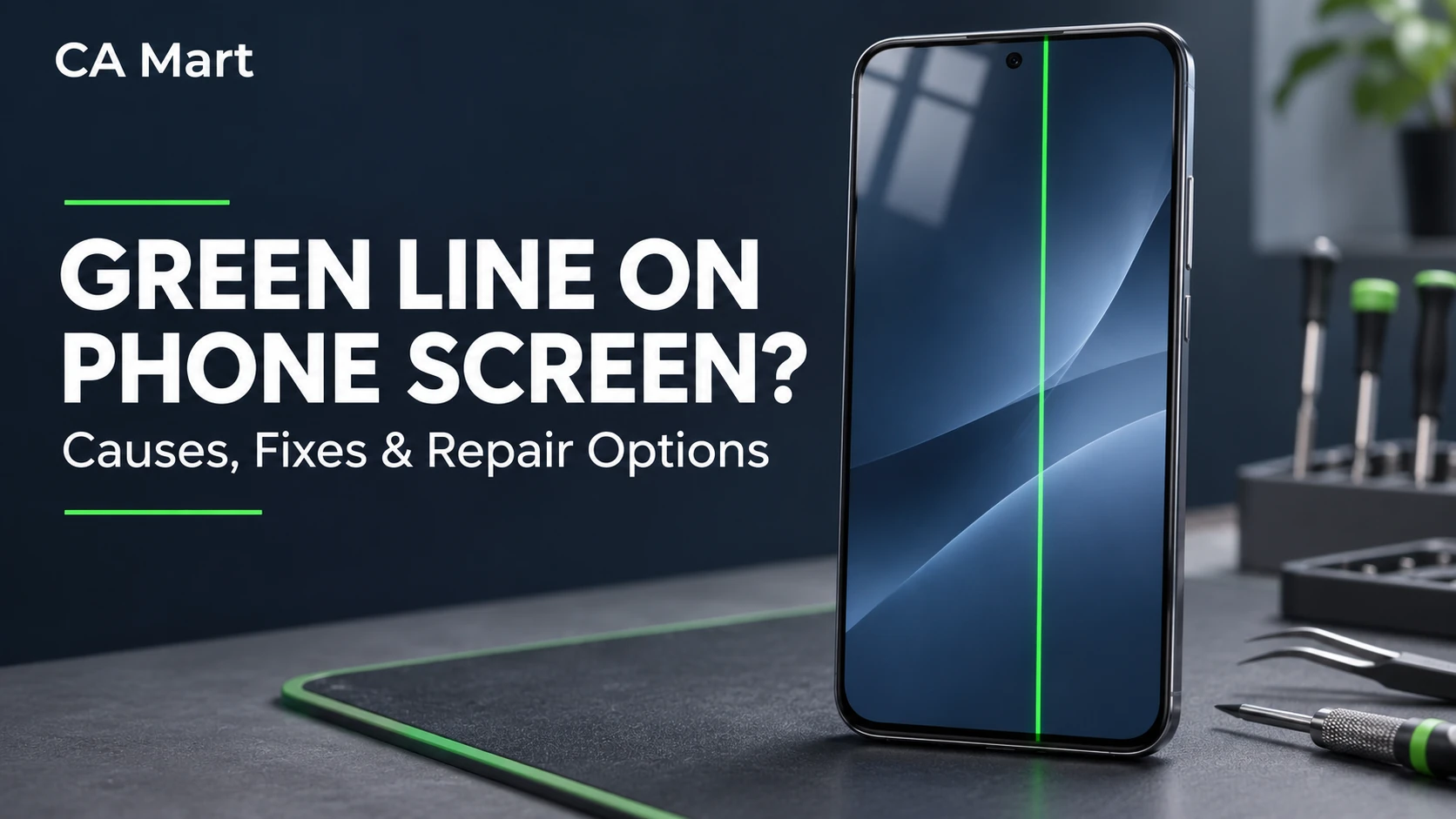
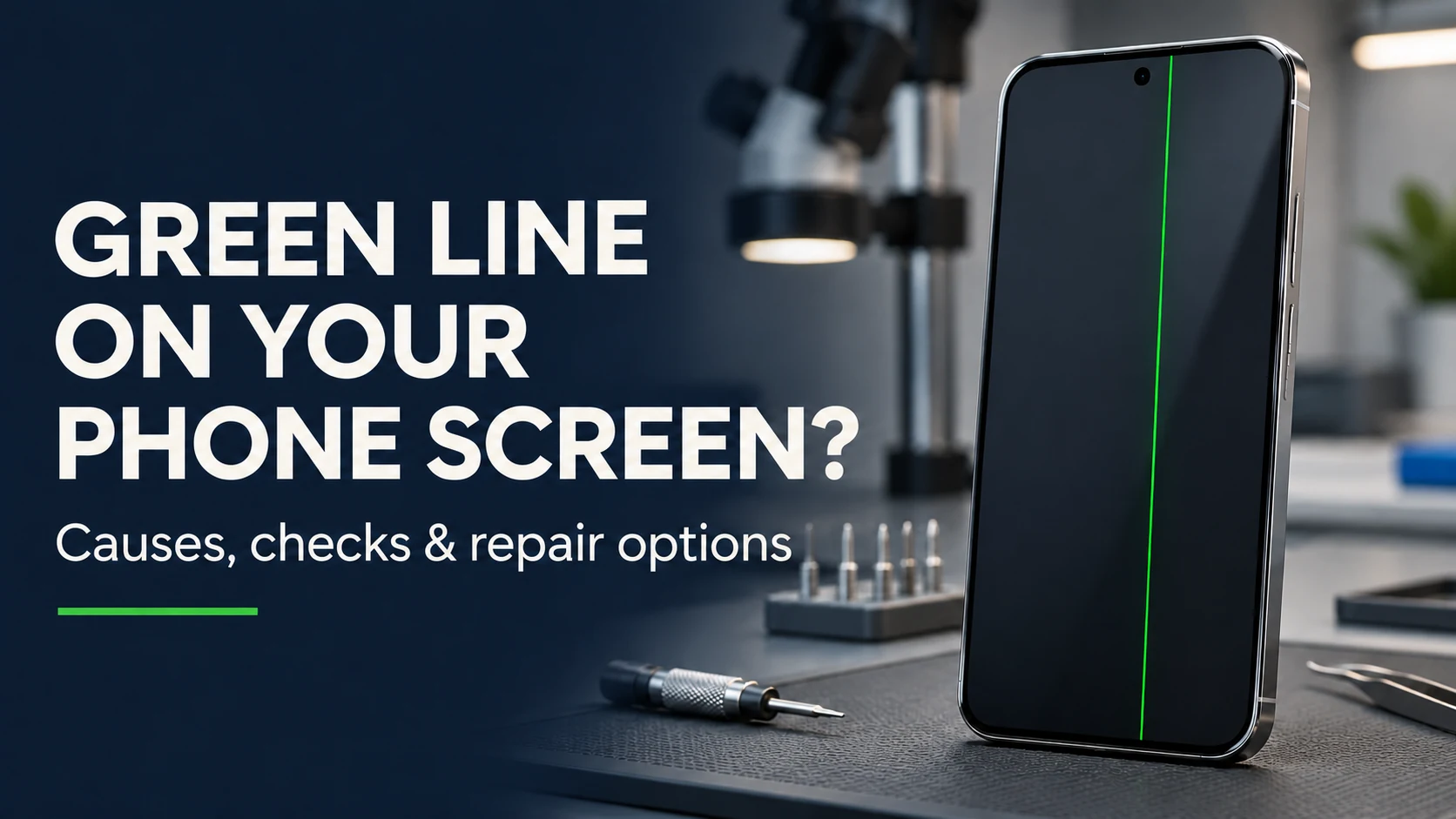
A green line on phone screen can come from a display panel, cable or connection fault, although software problems are also possible. Start with a restart and check whether the line appears in different apps. If it persists, back up your data and arrange an inspection before paying for a screen replacement.
This guide explains the checks worth trying, their limitations and when to seek repair. For local help, CA Mart provides phone repair services in Welland and St. Catharines.
Why Is There a Green Line on My Phone Screen?
A green line appears when part of the display stops working correctly. Your screen is made of millions of tiny pixels, and a thin strip of them is being driven incorrectly, so the screen lights it green instead of showing the picture. The cause can be damage inside the display panel, a poor connection between the screen and the phone’s board, or, less often, a software fault. Hardware causes are far more common, which is why the line often stays put or gets worse over time.
What Causes Green Lines on Phone Screens?
Four causes account for most green lines.
Damaged OLED or AMOLED Display
Most modern phones use OLED or AMOLED screens, where each pixel makes its own light. These panels are thin and sensitive to pressure, heat and age. When part of the panel fails, it often shows as a coloured vertical line, and green is one of the most common. When the fault is inside the display panel, screen replacement is usually the most practical repair. A technician should first confirm whether the problem involves the panel, its cable or another connection.
Physical Damage From Dropping Your Phone
A drop does not have to crack the glass to hurt the display underneath. An impact, a hard squeeze in a pocket or bag, or pressure on one spot can damage the panel while the glass looks perfect. The green line may appear straight away, or hours or days later.
Software Updates and Display Glitches
Occasionally a bug in a system update or an app can cause display problems, including coloured lines. Software causes are less common, but they are the easiest to fix, which is why it is worth ruling them out first.
Loose or Damaged Display Connections
A thin cable connects your screen to the phone’s main board. If that connection is loose, bent or damaged, whether from a drop, heat or a past repair, the display can show lines or flicker. A technician can sometimes fix this by reseating or replacing the connector without replacing the whole screen.
How to Check if the Green Line Is a Hardware or Software Issue
These checks can help to confirm whether the green line is related to software or display hardware. They provide useful clues, but a professional inspection may still be needed to identify the faulty component.
Use the Screenshot Test to Check for Display Damage
Take a screenshot while the green line is visible, then view it on another phone, tablet or computer. Checking it only on the affected phone can be misleading because the physical screen line will remain visible over the image. If the screenshot looks normal on another device, a display hardware fault is more likely. If the line is captured in the screenshot, investigate the affected app, source image or software rendering. This test is a clue rather than a definitive diagnosis.
Check Whether the Green Line Appears Across Apps
Open the home screen, a few different apps and a plain white or black image. A line that stays in exactly the same place everywhere, including the lock screen and the startup logo, points to hardware. A line that shows up only in one app suggests a software problem with that app.
How to Fix a Green Line on Your Phone Screen
If your tests suggest a software cause, or you simply want to rule it out, try these steps in order.
Restart Your Phone
Switch the phone off completely, wait about a minute and turn it back on. A restart clears temporary glitches and takes seconds. If the line disappears and stays away, it was a passing display bug.
Update Your Phone’s Software
Go to your phone’s settings and check for a system update, since manufacturers often fix display bugs in later versions. Connect to Wi-Fi and plug in the charger first. Update your apps as well, particularly the one that seems to trigger the problem.
Check for Problematic Apps Using Safe Mode
On Android phones, Safe Mode temporarily turns off the apps you installed. If the green line disappears in Safe Mode, an app is the cause, so uninstall recently added apps one at a time. If the line is still there in Safe Mode, the cause is not an app. iPhones do not have a Safe Mode, so a restart and an update are the main software steps there.
When to Consider a Factory Reset
A factory reset erases your data and should not be the routine next step for a persistent green line. Back up the phone first. If troubleshooting still suggests a software problem, follow the manufacturer’s model-specific instructions or contact support before resetting it. A screenshot, Safe Mode test or reset result cannot identify the exact failed component. If the line persists, arrange a professional inspection rather than repeating resets.
How to Fix Green Lines on Different Phone Brands
The basic steps are the same on every phone, but each brand has a few details of its own. Menu names can vary by model and software version.
Green Line on Samsung Galaxy Phones
Samsung Galaxy phones use AMOLED screens, which are well known for coloured line faults. Restart the phone, install any available update under Settings, then Software update, and test in Safe Mode. If the line remains, back up your data and have the screen checked. Check whether your phone is still under warranty before paying for a repair.
Green Line on iPhone Screens
On an iPhone, force restart the phone and update iOS under Settings, then General, then Software Update. If the line is still there, back it up and consider restoring it. A green line that survives a restore is a display fault. Apple and independent repair shops can inspect the screen, and an active AppleCare+ plan or warranty may reduce the cost.
Green Line on OnePlus Phones
Restart the phone, then check for updates under Settings and System update. Boot into Safe Mode to rule out apps. OnePlus phones also use OLED panels, so a line that stays after these steps usually means a screen replacement.
Green Line on Google Pixel Phones
Restart your Pixel, update it under Settings, then System, then System update, and try Safe Mode. If the line is still there, contact Google or a repair provider, and check your warranty first. Pixel screens are OLED, so a persistent green line is most often a hardware fault.
Can You Fix a Green Line Without Replacing the Screen?
Sometimes. If the cause is software, a restart, an update, Safe Mode or a reset can clear it for free. If the cause is a loose display connection, a technician may be able to reseat or repair it without a new screen. If the display panel itself is damaged, which is the most common cause, there is no lasting fix other than replacing the screen. Be careful with online tips that suggest pressing on the screen or applying heat. They can make the damage worse.
When Does a Green Line Require Screen Replacement?
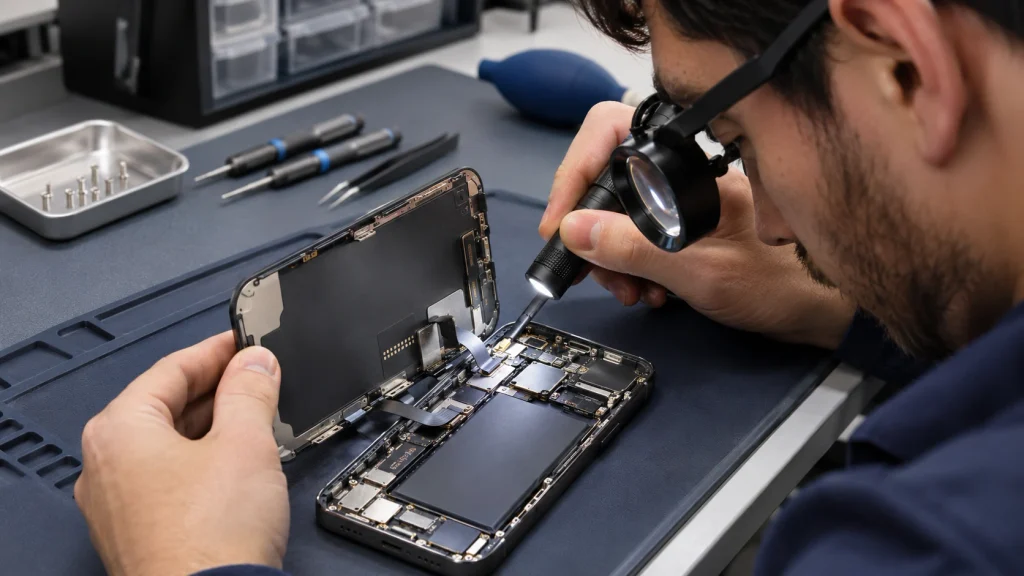
Arrange a professional inspection if the line stays visible across apps and during startup, appears after impact or pressure, or is accompanied by flickering, dark areas or touch problems. A screenshot that looks normal on another device also makes a display hardware fault more likely. These signs do not identify the exact damaged component: a technician should check the display, cable and connections before recommending replacement. Back up your data promptly because some display faults worsen unpredictably.
Is It Worth Repairing a Phone With a Green Line?
For most phones, yes, as long as the rest of the phone is in good shape. Compare the repair quote with the value of the phone. If the repair costs a small share of what a similar replacement would cost and the phone is otherwise healthy, repairing makes sense. If the phone is old, has other faults, or the quote is close to the price of a newer used phone, upgrading may be the better choice. A certified pre-owned phone is a good middle option. Whichever you choose, back up your data now, since a failing display can make that harder later.
Frequently Asked Questions
Can a Green Line on a Phone Screen Go Away on Its Own?
If the cause was a temporary software glitch, it might. If it is hardware damage, it will not heal, and it may come and go before settling in permanently. A line that disappears briefly and returns is still a warning sign.
Will a Green Line on My Phone Screen Get Worse?
It can, but the timing and progression vary. Some lines remain unchanged, while other display faults develop additional lines, dark areas or touch problems. The appearance alone cannot predict when the screen might fail. Back up your data and arrange an inspection if the symptom persists or changes.
Can a Software Update Fix a Green Line?
An update may help if the line comes from a software problem, but it cannot repair a damaged display component. The screenshot test provides a clue, not a diagnosis. Check for the manufacturer’s recommended updates, and arrange an inspection if the line persists.
Can a Green Line Appear Without Dropping the Phone?
Yes. Pressure in a pocket or bag, heat, moisture, normal ageing of an OLED panel, a loose connection or a software bug can all cause it. Many people see a green line on a phone that was never dropped.
How Much Does It Cost to Repair a Green Line on a Phone Screen?
It depends on the make and model, because screens for flagship phones with OLED displays cost much more than screens for budget phones. A reseating or software fix costs little or nothing, while a full screen replacement costs more. Ask for a written quote that covers parts and labour, and ask about the warranty on the repair.
Dealing with a green line on your phone? Contact us or visit CA Mart in Welland or St. Catharines, and we will check the screen and explain your options.