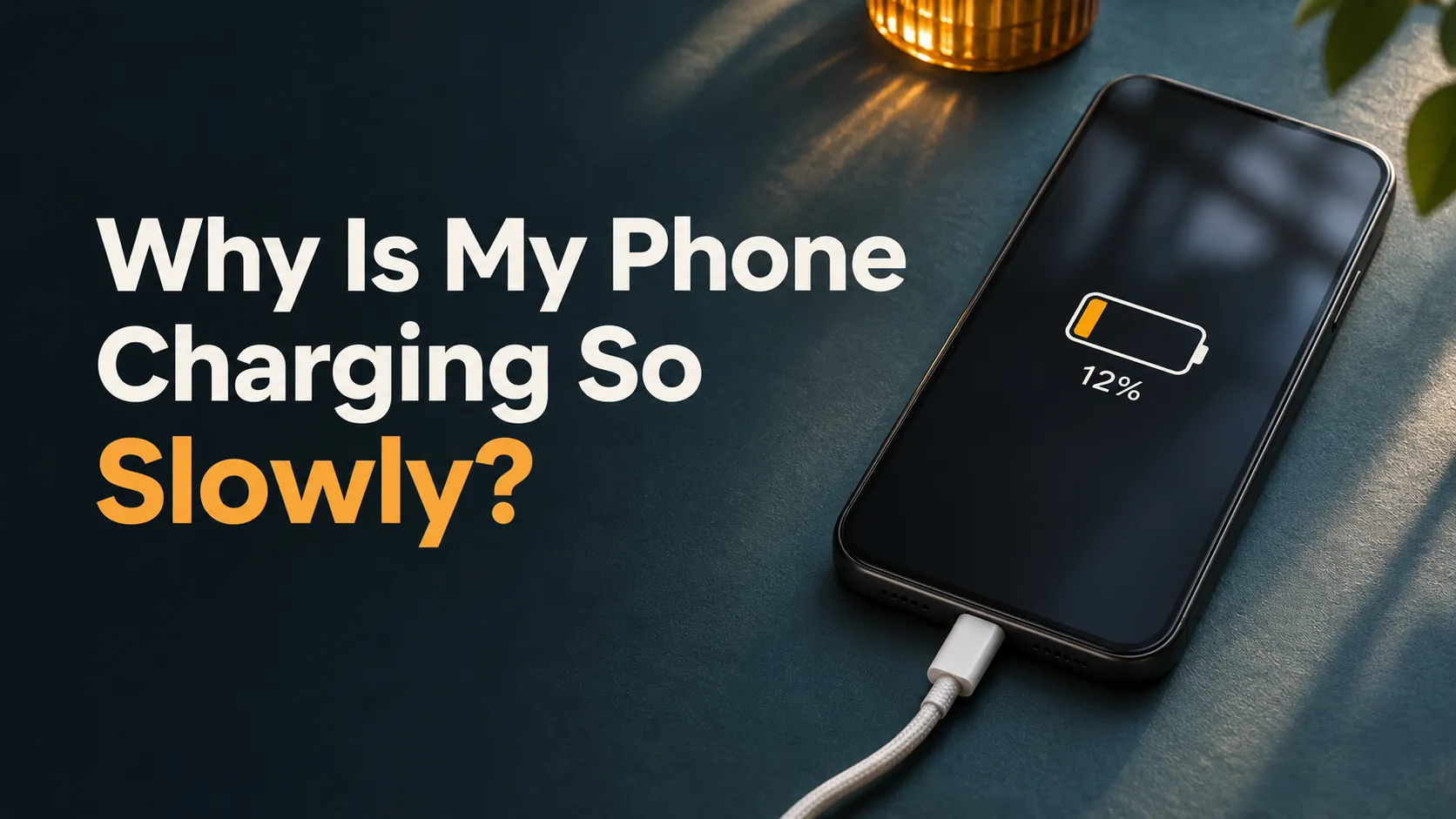
Your phone may charge slowly because the adapter supplies too little power, the cable is worn, or the plug makes poor contact with the charging port. Heat and heavy use can also slow charging. Start with a compatible wall charger and leave the screen off for 15 minutes. If your phone charges quickly at first but slows or stops near 80%, check its battery settings.
Common Reasons Your Phone Is Charging Slowly
Your adapter or cable limits charging speed
An older 5W adapter can take much longer to charge a modern phone than a compatible fast charger. Check the adapter’s output in watts (W) and the charging standard your phone supports. For example, if your phone uses USB Power Delivery (USB PD), look for that label on the adapter. Two chargers with identical USB-C ports can deliver different speeds.
If your usual adapter worked well until recently, try another compatible cable first. A cable can develop an internal fault even when it looks fine. Replace it if the covering is frayed or the connector is bent.
Your car or laptop USB port supplies less power
Some car and laptop USB ports deliver less power than a wall charger. You might notice this on a drive when the charging icon stays on but the battery barely gains a percentage point. Navigation and a bright screen can use much of the power the port supplies. Try the same cable with a compatible wall adapter to see whether charging improves.
Heat or heavy use slows the charge
Gaming, streaming and video calls use power while the battery charges. If the phone gets too warm, it may also reduce or pause charging. Move it out of direct sunlight, close the demanding app and let it return to a normal temperature before testing again.
The cable makes a loose connection
Watch the charging icon when you plug in the phone and set it down. If the icon disappears when the cable moves, try a second cable. If several cables fit loosely, unplug the phone and inspect the port with a light. Keep toothpicks and tools out of the port. If a moisture warning appears, leave the cable disconnected until the port and connector are dry.
How to Find Out What’s Slowing Down Your Phone
A 15-minute charging test can help you decide whether to replace a cable, try another adapter or have the phone checked.
- Record the starting percentage. Choose a time when the battery is well below 80%. Plug your usual cable and adapter into a wall outlet, turn the screen off and note the percentage after 15 minutes.
- Test a second cable. On another charge, start at roughly the same battery level. Use the same adapter and outlet, changing only the cable. If the phone consistently gains more charge, the original cable is the likely cause.
- Test a second adapter. Keep the second cable and repeat the test with an adapter that supports your phone’s fast-charging standard. A larger gain points to the original adapter as the limiting factor.
Keep the phone at a similar temperature for each test. Comparing a cool phone at 30% with a warm phone at 85% can make a working charger look slow.
Why Does My Phone Charge Slowly After 80%?
Watch what the battery percentage does over time. A gradual slowdown, an overnight pause and a fixed limit have different explanations.
| What you notice | Likely explanation |
|---|---|
| The percentage keeps rising, but the last 20% takes longer. | The phone reduces charging power as the battery approaches full. |
| Charging pauses near 80% overnight and finishes before you wake up. | Optimized or adaptive charging may be following your routine. |
| Charging stops near the same percentage every day. | A charge limit may be set in your battery settings. |
| Charging pauses and the phone shows a temperature warning. | Let the phone return to a normal temperature before charging again. |
Which Charging Settings Should I Check on iPhone or Android?
iPhone charging settings
On iPhone 15 or later, open Settings → Battery → Charging to check your charge limit. On iPhone 14 or earlier, open Settings → Battery → Battery Health & Charging to check Optimized Battery Charging. On iOS 18 or later, a Slow Charger message means a higher-power charger could charge your iPhone faster.
Samsung Galaxy charging settings
Open Settings → Battery → Charging settings and check whether Fast charging is enabled. If your Galaxy stops at the same percentage each day, check Settings → Battery → Battery protection. On supported models running One UI 7.0 or later, Maximum protection offers limits of 80%, 85%, 90% or 95%.
Google Pixel charging settings
Open Settings → Battery → Battery health → Charging optimization. Adaptive Charging can delay the final portion of an overnight charge until shortly before you usually unplug. On Pixel 6a and later, check whether Limit to 80% is selected.
Why Is Wireless Charging Slow When Cable Charging Works Fine?
Centre the phone on the wireless pad and watch whether charging stays connected. If moving it slightly interrupts charging, test it without the case, wallet attachment or grip. An accessory can prevent the phone from sitting flat or lining up with the charging coil.
If the connection stays steady but charging is still slow, check the adapter powering the pad. An older adapter or a low-power laptop port may limit the pad’s output. Use the adapter recommended for the pad and check the wireless charging speed your phone supports.
When Should I Get My Charging Port or Battery Checked?
Have the charging port checked if several compatible cables fit loosely, charging cuts out when you set the phone down, or the plug works only at an angle. If wireless charging still works, mention that when you bring the phone in.
Have the battery checked if slow charging comes with rapid battery drain or unexpected shutdowns. If the phone stays slow with several compatible chargers, bring your usual cable and adapter to CA Mart in Welland or St. Catharines so our team can check the setup you use at home. Request a phone repair at CA Mart.
Frequently Asked Questions
Why is my phone suddenly charging slowly with the same charger?
A worn cable can slow charging even if it looks fine. Try another cable with the same adapter.
If charging slows only near 80%, check for a charge limit or an overnight charging schedule.
How long should my phone take to charge from 20% to 80%?
Charging time depends on your phone model, charger and battery temperature.
To find your usual time, charge from 20% to 80% with a compatible wall charger and the screen off.
Will a higher-wattage charger make my phone charge faster?
Yes, if your current adapter delivers less power than your phone can use.
Choose an adapter that supports your phone’s fast-charging standard and a cable rated for that power.